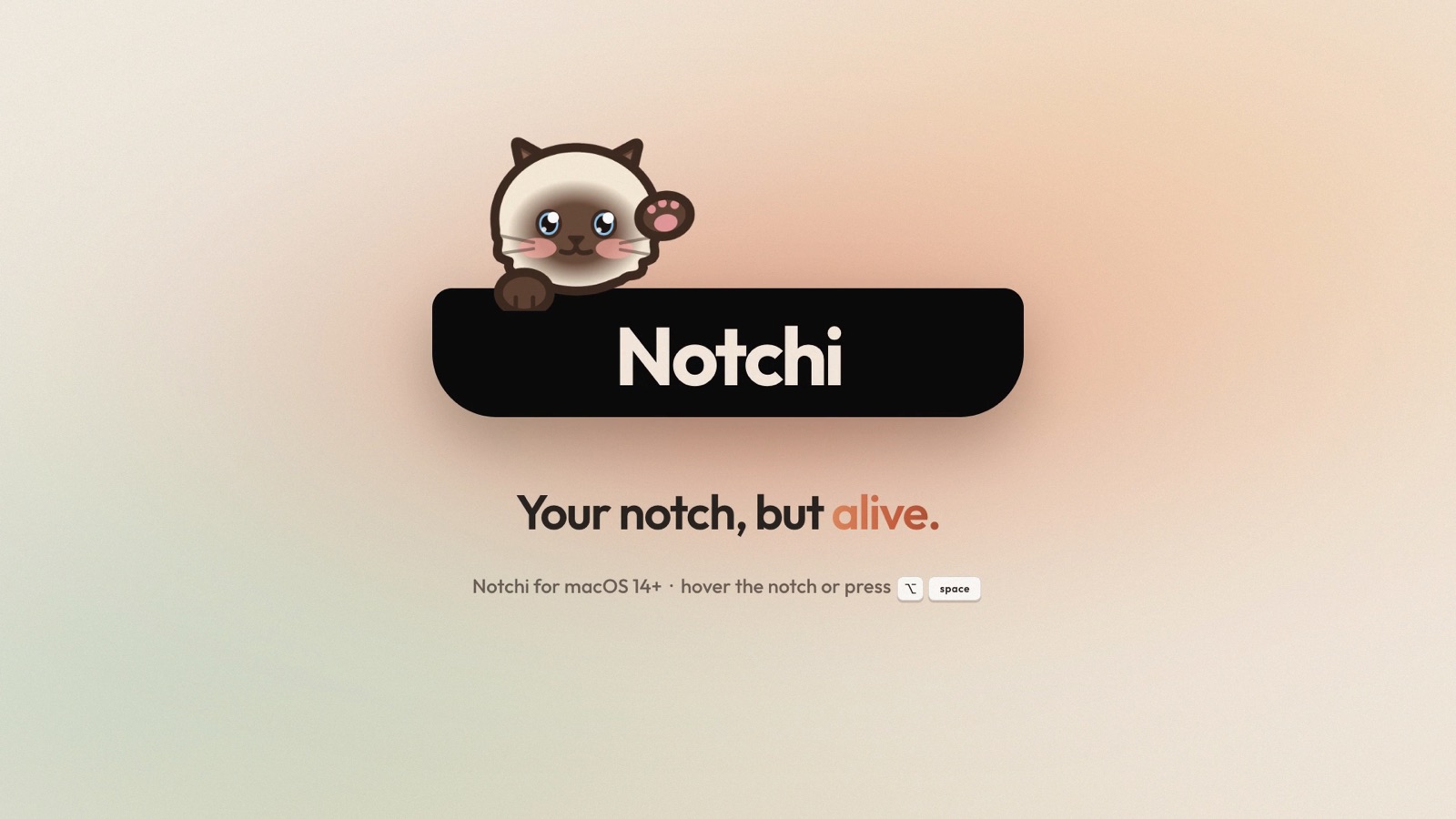
Notchi for macOS
Your notch,
but alive.
Notchi turns the notch on your MacBook into a Dynamic Island for music, builds, Claude Code, notes, your clipboard and screen time. A little cat lives right next to it.
- Hover the notch.Or tap ⌘⌥. The island opens right where the notch is.
- Everything at a glance.Now Playing, live builds, pinned apps, Claude and your terminals.
- And a cat peeks over the edge.Move away and it all folds back into the notch.
Deploying web
Tests · 3.2 s
Meet the cat
It lives next to your notch.
A Siamese cat wanders the menu bar. It sits, stretches, dozes off, waves when it spots your cursor, swats at it, and bobs its head when music plays. Hover over it and it jumps into the notch.
Tell it what to do
Or move your cursor near it. These are the app's own sprites, rendered from Notchi's Swift drawing code.
More than an island
One panel for everything you check all day.
why is login slow on a cold start?
bcrypt runs at cost 14, so every hash takes about 900 ms. Cost 12 is still safe and brings it down to about 220 ms.
Edit src/auth/hash.ts
Done. Cost is 12 now and all 31 auth tests pass.
Now Playing
Your music, in the notch.
Spotify and Apple Music, with artwork, a scrubber you can click to seek, and play, pause and skip. The cat notices when a new song starts.
Live
Whatever needs you comes first.
Builds, deploys, timers, Claude Code runs and charging share one scrollable queue. It re-sorts as things change, and finished jobs leave on their own.
Pinned apps
Your apps, on ⌘1 to ⌘9.
Drag apps in or press +. Click to launch, or press ⌘1 to ⌘9 while the island is open.
Ask Claude
Ask anything, right in the notch.
Answers stream into the island, using your Anthropic API key or your local Claude Code install.
Terminal tabs
Every Claude session at a glance.
Pin up to 10 iTerm2 tabs with their real names and colours. A ring spins while Claude works, ! means it needs approval, and ✓ comes with a chime and a banner, even when the island is closed.
Three more pages
Notes that file themselves.
The switcher at the bottom-left of the island opens Notes, Clipboard and Activity. They run on the Java backend, which Notchi starts by itself when Java 21 or newer is installed. Everything stays on your Mac.
Try it. The notes sorter and the clipboard search below run the same algorithms as the backend, ported to JavaScript.
🔒 One copied password was skipped, as always.
Make it yours
Pick a pet, a colour and a surface.

Deploying web
Push from anywhere
If it can open a URL, it can drive the island.
The island command ships with Notchi. Push progress from a deploy script, wrap a test run, or hook it into CI. Each command opens a notchi:// URL under the hood.
Shortcuts
Four shortcuts. That's the whole manual.
Try them here. The keys press down when you do.
Open or close the island
Tap both and let go. ⌥Space works too, or just hover the notch.
Switch terminal tabs
The prompt bar types into the selected tab's Claude session.
Launch a pinned app
Works while the island is open.
Close
Or move away, or click outside.
- Download Notchi.dmg and drag Notchi into Applications.
- Open it. Notchi isn't notarized, so macOS blocks the first launch. Click Open Anyway in System Settings → Privacy & Security, or run this once:
xattr -dr com.apple.quarantine /Applications/Notchi.app - Look for the paw in your menu bar. Use it to open the island, move it, or open Settings.
Prefer to build it yourself? The source is on GitHub. You need macOS 14 and Swift 5.10.